Welcome to Liatrio's Pipeline Game Companion App!
New Board
Launch Tour
Lookup Board
Chat with a Liatrian
Connecting...
Send
1
RESET
All
Build
Code
Deploy
Infrastructure
Manual
Publish
Test
Trigger
Custom
Lookup Board
✕
Please enter your boardID
Submit
Cancel
close
Helpful Information
✕
How to play
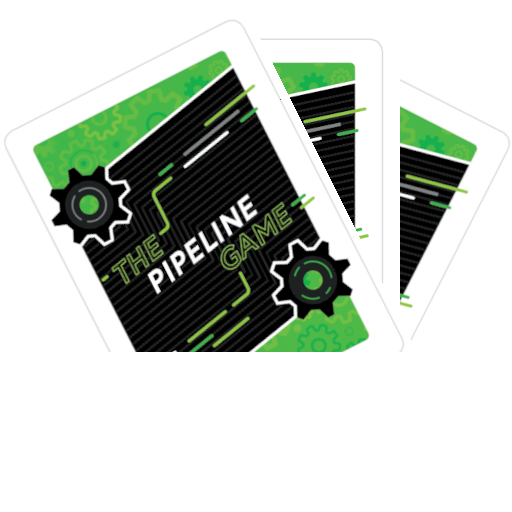
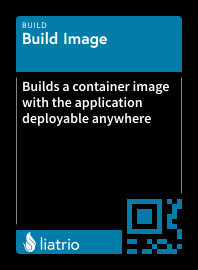
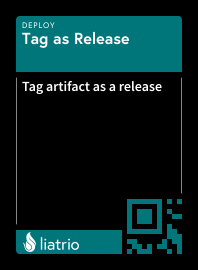
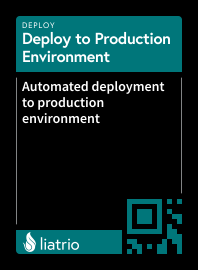
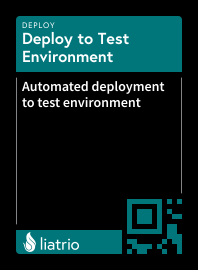
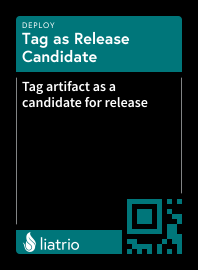
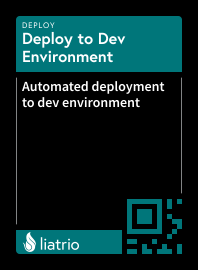
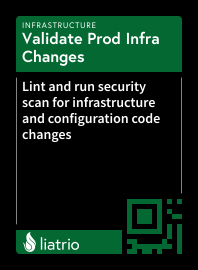
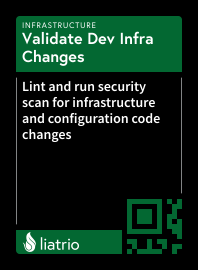
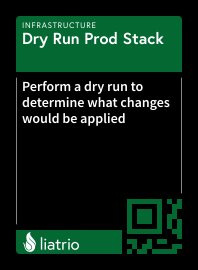
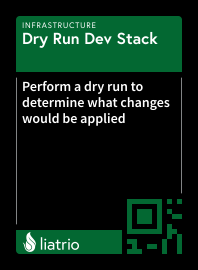
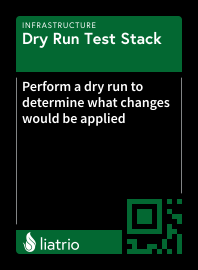
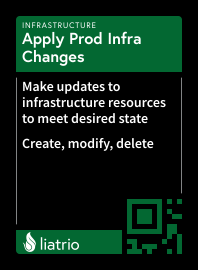
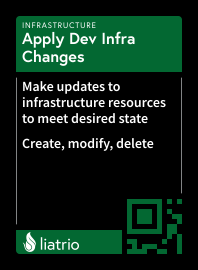
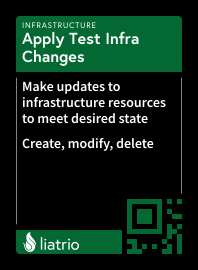
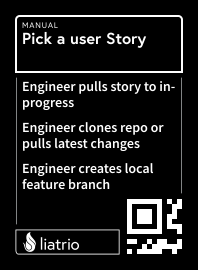
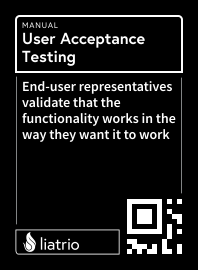
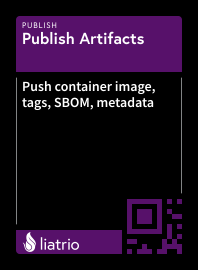
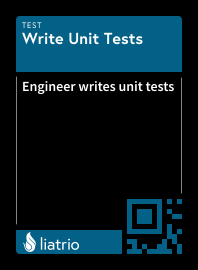
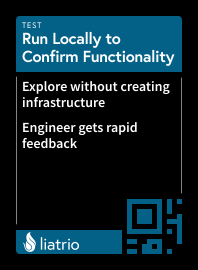
Your goal is to design a pipeline for continuous delivery. Each card represents a delivery pipeline step while each color represents a pipeline stage.
You will work as a team to determine which steps are needed to build the pipeline, and the order in which to arrange them.
Layout the cards in the order your team decides.
If you feel a step is missing, use a marker with one of the blank cards to write out and insert a new step.
You will run into design tradeoff decisions and may discover some of your teamates have different risk tolerances.
Upload Tips
Reduce skew on the photo
Reduce glare as much as possible
Take your photo with the landscape orientation and pipeline going from left to right
If you need multiple photos, please make sure all images have the main row and have an overlapping card on the main row with another photo
Example of a good upload image:
Key Bindings
Left
- Pan Left
Right
- Pan Right
Up
- Pan Up
Down
- Pan Down
W
- Focus card on
BOARD
S
- Focus card on
DECK
A
- Select left card
D
- Select right card
U
- Open the upload menu
I
-
SAVE
board state to clipboard
Shift + L
- Visit the main
Liatrio
site
O
- Open the
CHAT
window
P
- Open the
HELP
menu
Y
- Open the
LOOKUP BOARD
window
T
- Toggle between Light/Dark theme
Z
- Toggle the Deck
Q
- Zoom In
E
- Zoom Out
R
- Reset zoom to default
Shift + W
- Move selected card
UP
Shift + S
- Move selected card
DOWN
Shift + A
- Move selected card
LEFT
Shift + D
- Move selected card
RIGHT
Shift + Backspace
- Remove selected card from
BOARD
Shift + C
- Clear the
BOARD
Shift + Spacebar
- Move selected card to
BOARD
Ctrl + Z
- Undo
Ctrl + Y
- Redo
M
- Toggle MiniMap
Launch Tour
Launch Tour
close
Upload Photos
✕
You may click
Select Photos
multiple times. Each time will append to the selected photos.
Upload Tips
Reduce skew on the photo
Reduce glare as much as possible
Take your photo with the landscape orientation and pipeline going from left to right
If you need multiple photos, please make sure all images have the main row and have an overlapping card on the main row with another photo
Example of a good upload image:
close
Error
✕
If this persists, please contact us using the
Live Chat
.
close
Warning
✕
Do not show this warning again
Continue
Cancel
Loading...
This may take a few seconds, please don't close this page.